Plates in the classroom
Any plate can go up on the classroom screen: the type grows, the chapters turn like slides, and the model still works. The plates below also have a page for teachers, with the right ages, a 15-minute and a 40-minute plan, questions to ask and a hands-on activity.
- 01
Turn on classroom mode
Press “Classroom” at the top of a plate, or add
?classroom=1to its address. This browser keeps it on until you press “Leave classroom”. - 02
Step through
The arrow keys, the space bar and a presentation clicker all move to the next chapter, and a counter in the corner shows where you are. “Full screen” gives the model the whole screen.
- 03
Hand it to a student
The last chapter of every plate is a bench. In classroom mode its sliders, switches and buttons are larger, so a student can work them at the board or on a tablet.
- 04
Copy it, adapt it
The text, pictures and models of the plates and the teacher pages are licensed CC BY-NC 4.0: copy, print and adapt them for your class, with credit to world.lapla.si. Not for commercial use; third-party material keeps its own licence.
Plates with a page for teachers 6
-
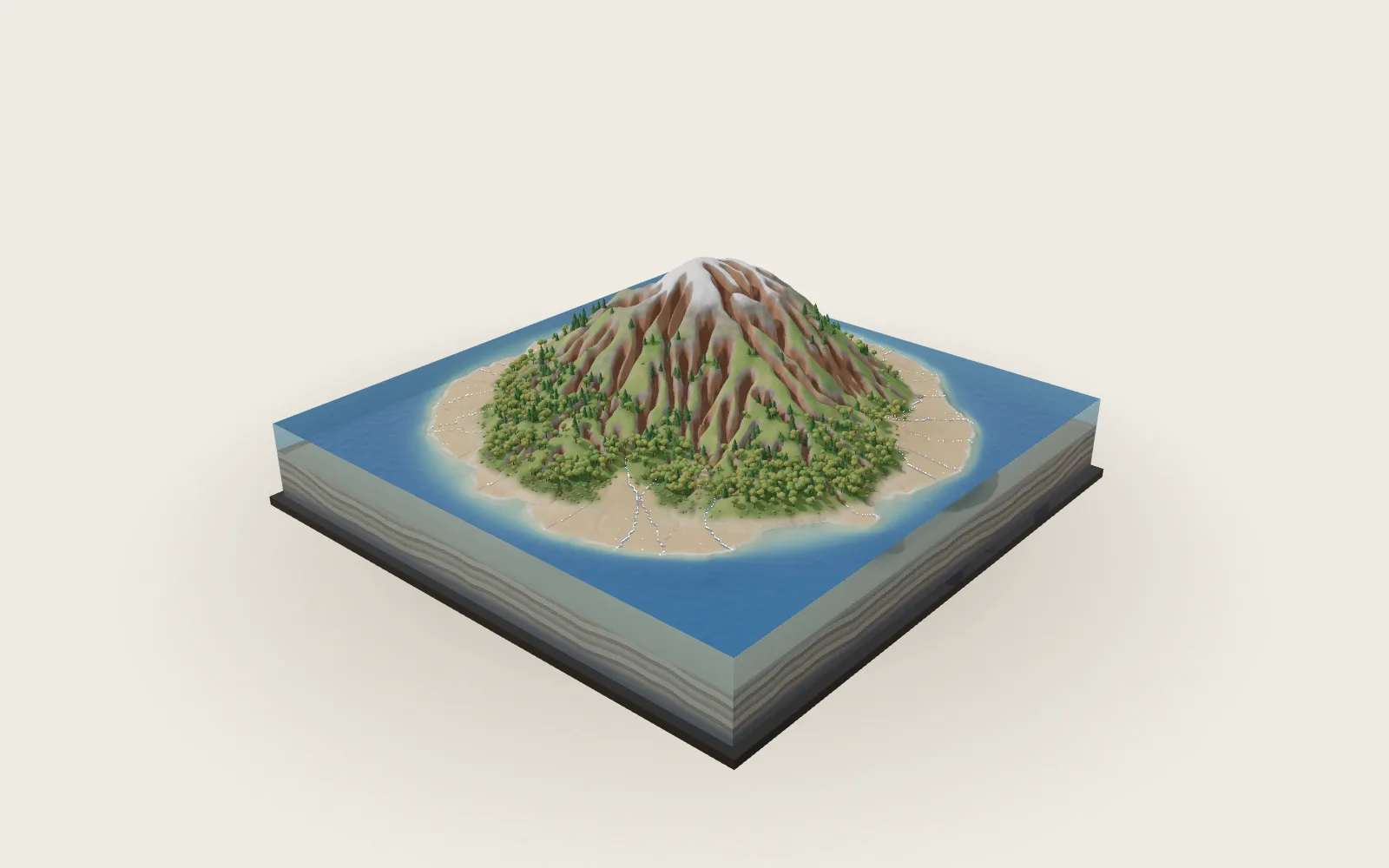 Plate 01 · World
How Rain Carves a Mountain
Ages 9 to 14. No geography needed beforehand.
For teachers →
Classroom
Plate 01 · World
How Rain Carves a Mountain
Ages 9 to 14. No geography needed beforehand.
For teachers →
Classroom
-
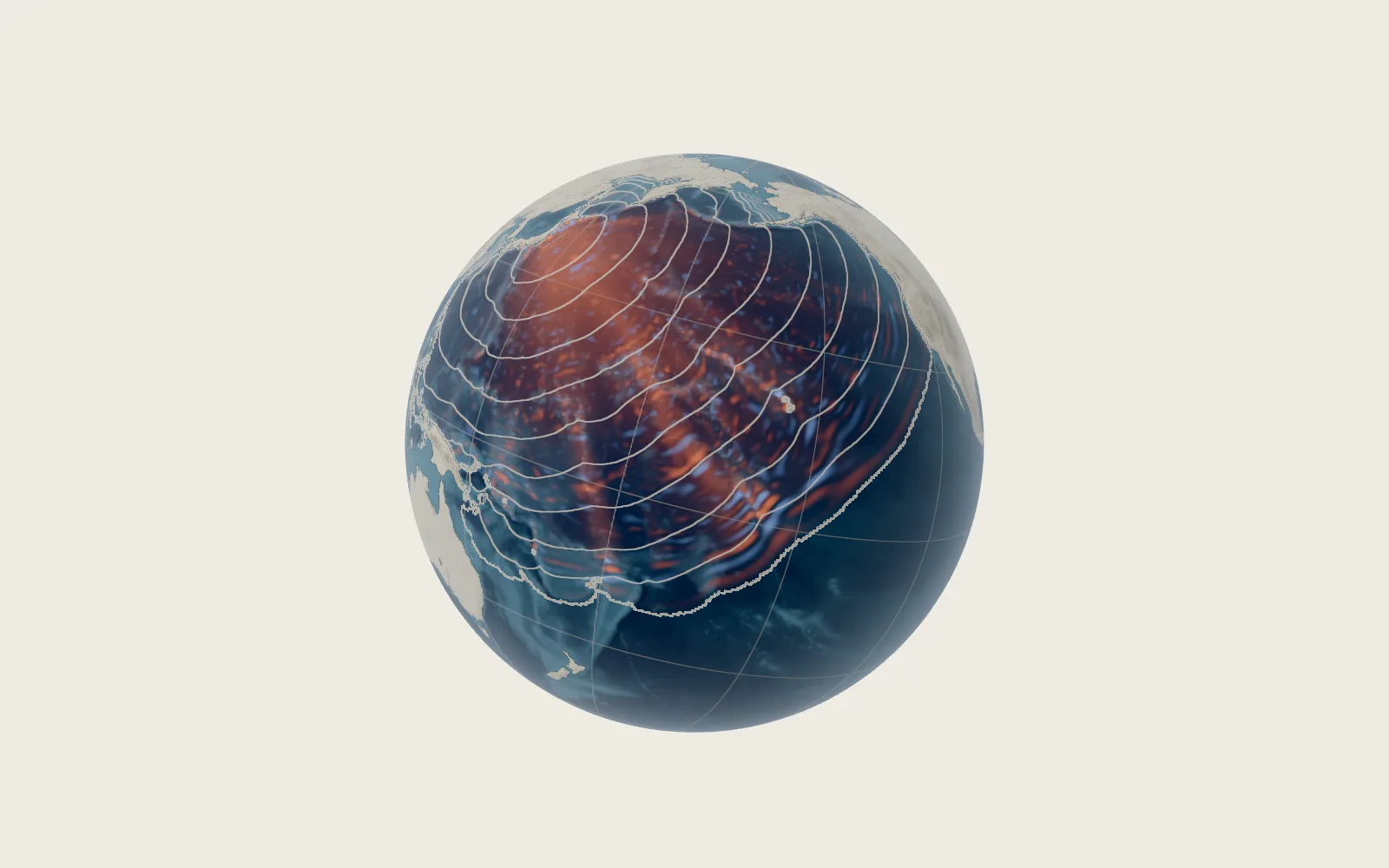 Plate 02 · World
The Wave That Hides in Deep Water
Ages 10 to 15. Knowing that speed is distance divided by time is enough.
For teachers →
Classroom
Plate 02 · World
The Wave That Hides in Deep Water
Ages 10 to 15. Knowing that speed is distance divided by time is enough.
For teachers →
Classroom
-
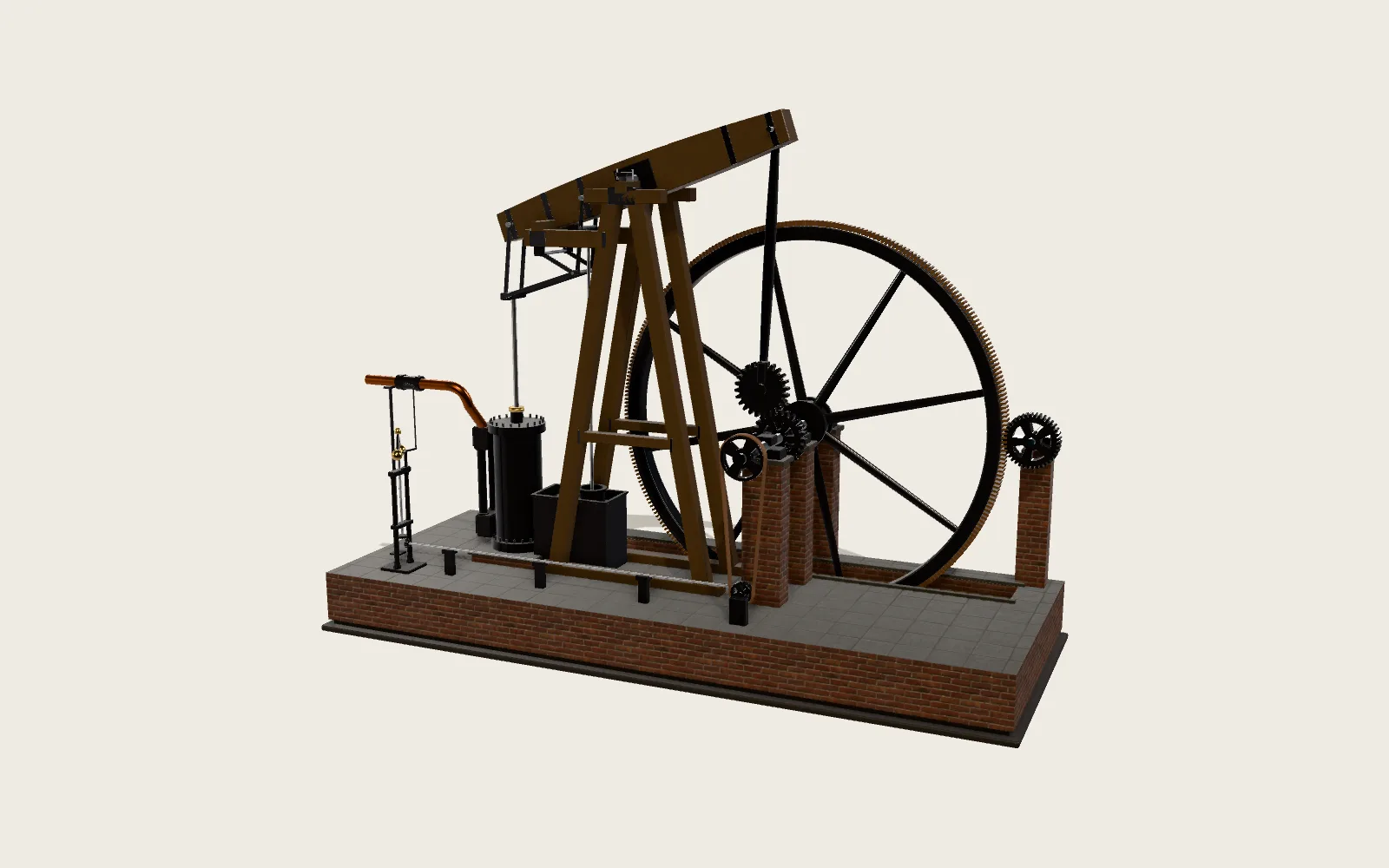 Plate C01 · Classic Machines
Watt’s Steam Engine
Ages 11 to 16. Knowing that heat turns water to steam, and cold turns steam back to water, is enough.
For teachers →
Classroom
Plate C01 · Classic Machines
Watt’s Steam Engine
Ages 11 to 16. Knowing that heat turns water to steam, and cold turns steam back to water, is enough.
For teachers →
Classroom
-
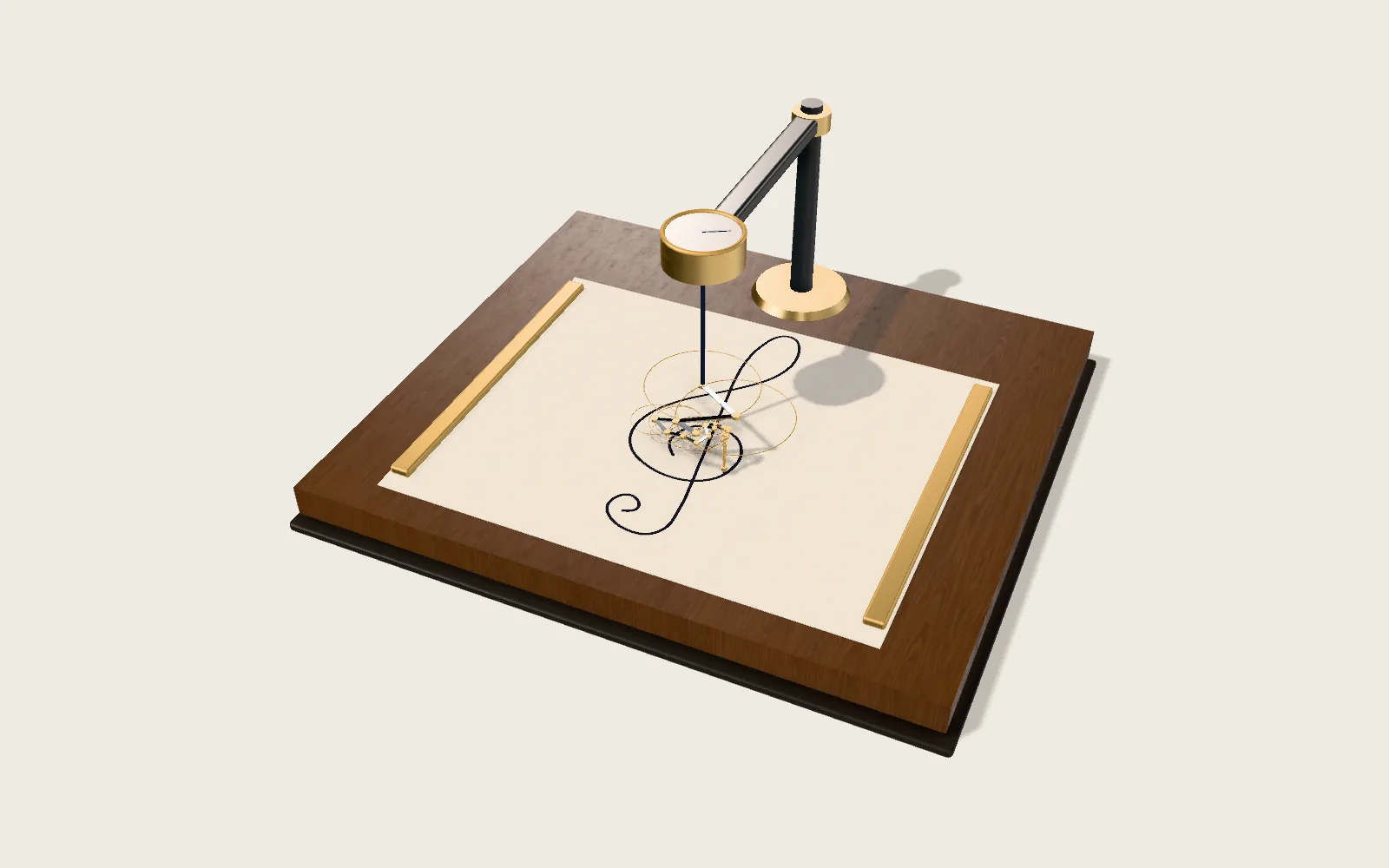 Plate M03 · Mathematics
Any Closed Line, Drawn by Turning Circles
Ages 15 to 18, best once students have met complex numbers. The drawing part alone works from about 13.
For teachers →
Classroom
Plate M03 · Mathematics
Any Closed Line, Drawn by Turning Circles
Ages 15 to 18, best once students have met complex numbers. The drawing part alone works from about 13.
For teachers →
Classroom
-
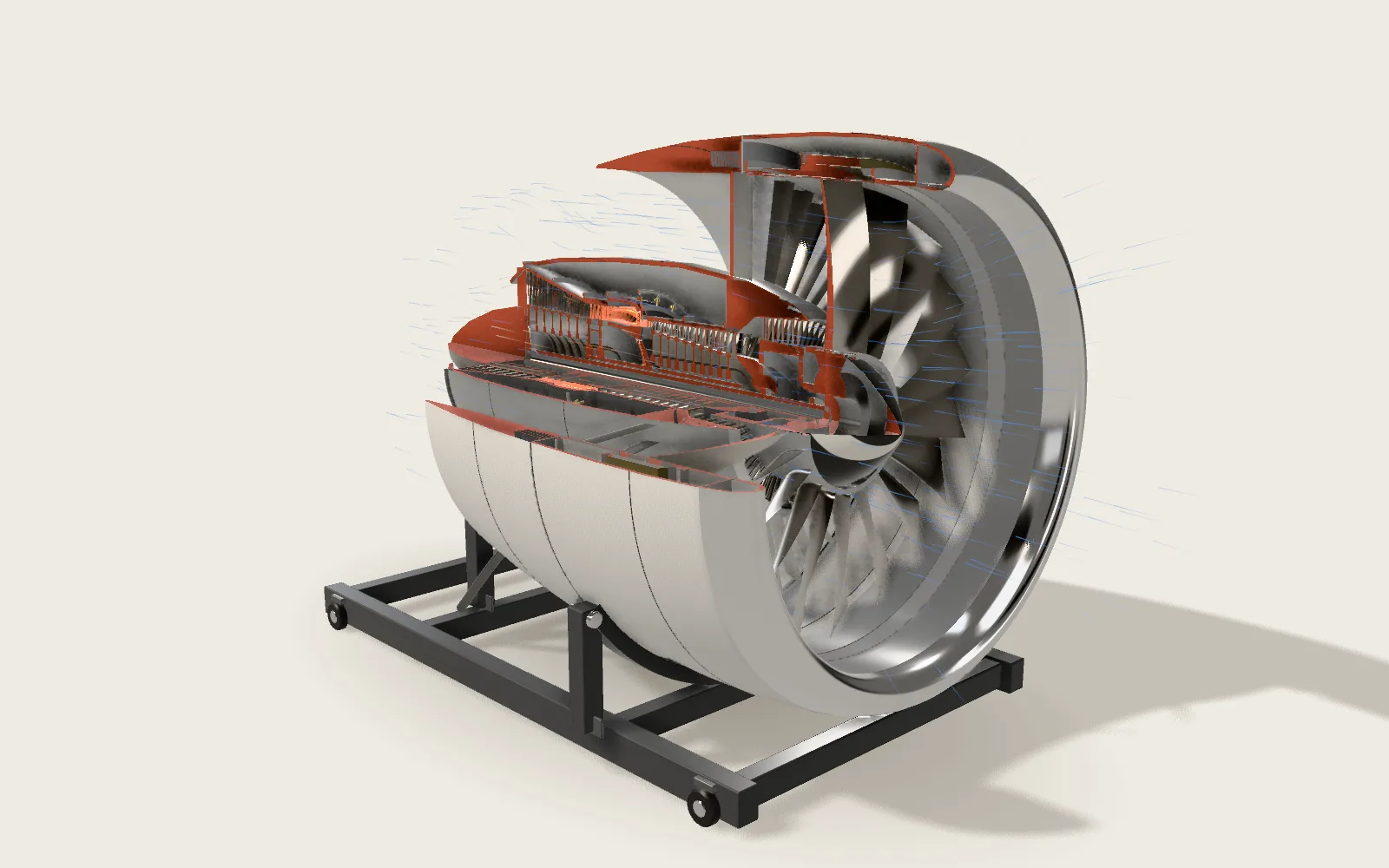 Plate F07 · Frontier Machines
Turbofan Engine
Ages 13 to 18. Knowing that force is mass times acceleration helps; most of it works without.
For teachers →
Classroom
Plate F07 · Frontier Machines
Turbofan Engine
Ages 13 to 18. Knowing that force is mass times acceleration helps; most of it works without.
For teachers →
Classroom
-
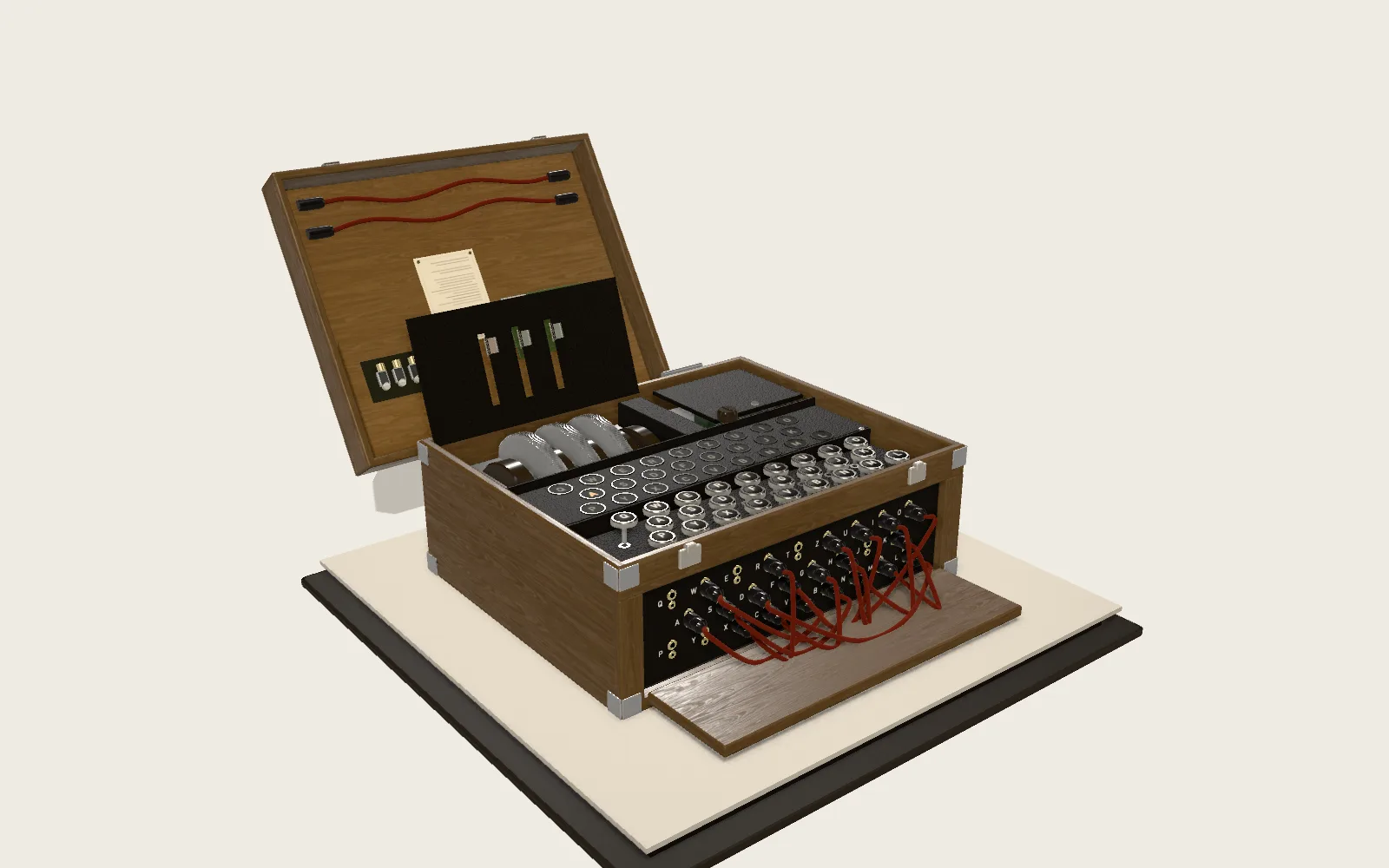 Plate C09 · Classic Machines
The Enigma Cipher Machine
Ages 12 to 18. Anyone who can type can try it; counting the settings needs multiplication and powers.
For teachers →
Classroom
Plate C09 · Classic Machines
The Enigma Cipher Machine
Ages 12 to 18. Anyone who can type can try it; counting the settings needs multiplication and powers.
For teachers →
Classroom