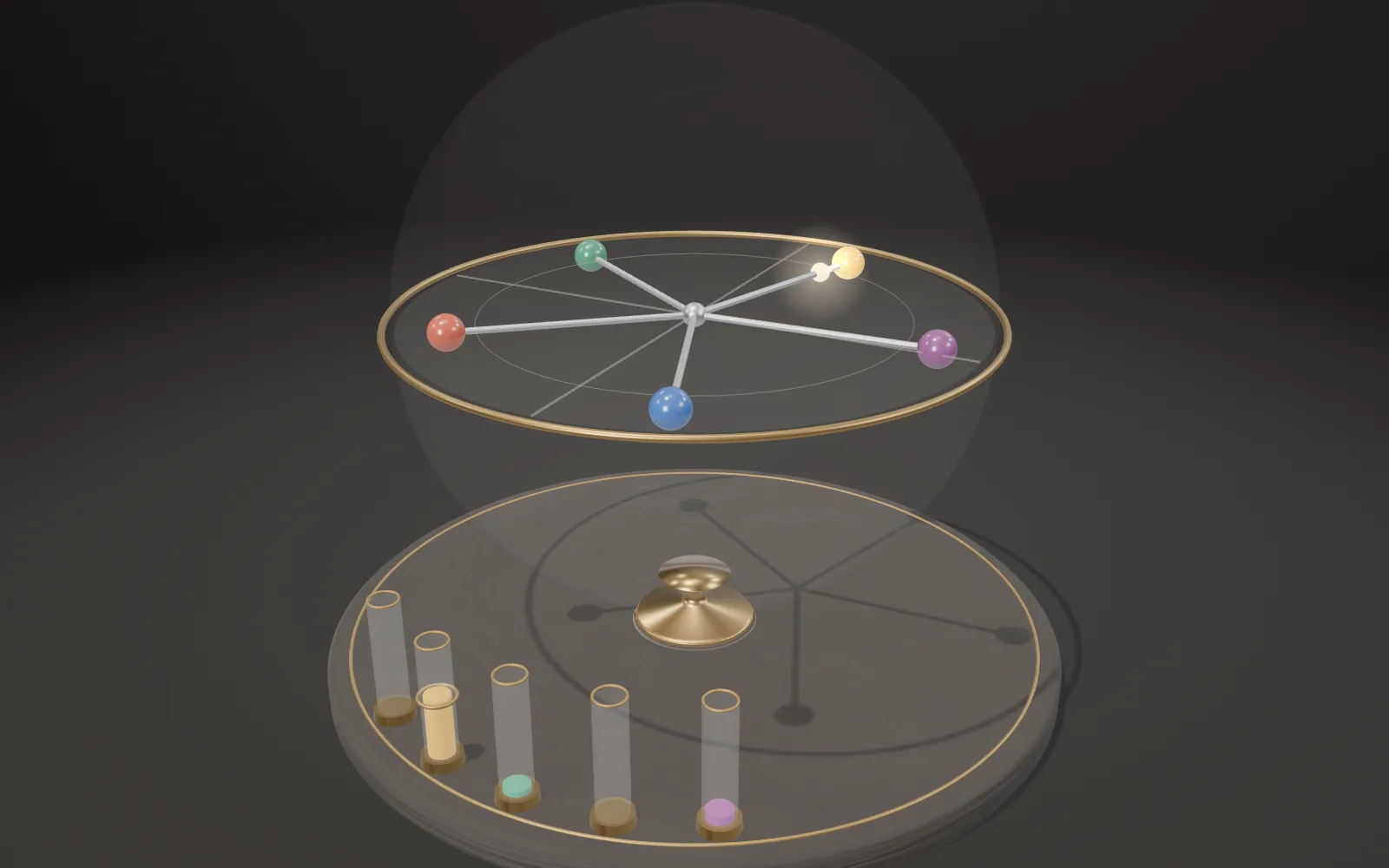
Computer-Use Agents
A screenshot goes in, a click comes out, one step after another.
Scroll
What they can do
A computer-use agent works a computer the way a person does: it looks at screenshots, then clicks and types. The most used test, OSWorld, came out in 2024 with 369 real computer tasks, done in real software on Ubuntu: a browser, email, spreadsheets, documents, image editing, file managers, some across several programs. When the agent stops, each task’s own checking script looks at the computer’s final state: is the file there, is the table right.
At release, computer science students new to the software finished 72.36 % of the tasks; the best model working from screenshots alone managed 5.80 %. In October 2024 Anthropic’s Claude 3.5 Sonnet reached 14.9 % within 15 steps; in January 2025 OpenAI’s CUA, given 200 steps, reached 38.1 %; both are the companies’ own numbers. By August 2026, on OSWorld-Verified, run by the benchmark’s team with 100 steps, the best single model reached 85.96 %, above the 72.36 % those students scored on the original set in 2024. On the far longer OSWorld 2.0, where a task takes a person a median of about 1.6 hours, the best single model in October 2026 fully completed 44.33 % of tasks within 500 steps.
On the desk is a half-size model of a computer: a display, a keyboard, a mouse, and on the right a unit that stands for the AI model. Its three lamps light in turn: look, think, act. The tasks on the screen and every step are a demonstration written by the page, not a real model’s output.
OSWorld: 369 tasks · people 72.36 % · screenshot-only models at release 5.80 % · August 2026 85.96 % (100 steps, verified)
Look, then act
Every step is the same: the computer takes a screenshot and hands it to the model; the model reads it, the task and the last few steps, and writes a thought and one action, such as “click at (197, 99)”; a program carries it out; the next screenshot follows. The loop repeats until the model says “done” or “can’t be done”, or the steps run out.
The model never touches the keyboard or the mouse. What it writes is a line of instructions, which a program on the computer feeds in as mouse and keyboard input. OSWorld has the model write Python for the pyautogui library, such as click(300, 540). Anthropic’s interface lets the model write a few actions at once, usually ending with a request for a new screenshot to see the result.
It sees one screenshot after another, not a moving picture. Anthropic calls this a “flipbook” view: a notice that flashes by can be missed. The authors of OSWorld 2.0 record a case where a pop-up moved while the model was thinking, and it clicked the old position. On the desk, the screen flashes as the screenshot is taken (look), the amber display types the thought (think), and the cursor glides over and clicks (act).
Screenshot → model → one action → carried out → next screenshot
Only a picture
Working from screenshots alone, the model gets a picture: windows, icons, menus and text, as a person sees them. It cannot see the code behind a button. Some systems also give the model an “accessibility tree”, a text list of the screen’s elements with names and coordinates; OSWorld’s authors note that its leaf nodes alone can run to tens of thousands of tokens, and not every program supports it.
Screenshots are often scaled down first. OSWorld’s virtual machines have 1920 × 1080 screens. Anthropic’s interface does not shrink images for you and rejects ones that are too big: older models take at most 1,568 pixels on the long edge and about 1.15 megapixels, Claude Opus 4.7 and later up to 2,576 pixels; the docs suggest 1024 × 768 or 1280 × 720 for desktop tasks. Each screenshot costs about 1,000 to 1,800 input tokens.
The small screen on the right shows the screenshot the model gets (shrunk further here, so the difference shows). This demonstration scales the 1920 × 1080 screen to 1280 × 720 for the model.
Screen 1920 × 1080 → screenshot 1280 × 720 · about 1,000–1,800 tokens each
A few kinds of action
There are few kinds of action: click, double-click or right-click at a point, move the mouse, drag, scroll, type some text, press a key or a key combination, wait, take another screenshot. Anthropic’s tool now has 17 actions; one of them, “zoom”, captures a small part of the screen at full resolution to read small text.
Coordinates are the screenshot’s pixels: (0, 0) at the top left, x counted to the right, y downwards. Google’s interface doesn’t use pixels: whatever the screen, it answers on a grid from 0 to 999, and a program converts that back to the screen. Typed text and key presses go to whichever field has the focus.
Each row on the tape is one action; its coordinates are pixels of the model’s 1280 × 720 screenshot. The model’s unit never touches the keyboard or the mouse: the actions go into the computer down the cable.
click · double-click · drag · scroll · type · key · wait · screenshot
Where to click
The hardest part is landing the click: finding the control in the screenshot and naming its exact pixel, called grounding. OSWorld’s authors looked at 550 failed examples; more than 75 % had inaccurate mouse clicks, the most common error: the model wrote the steps out clearly in its comments, then gave the wrong coordinates. Missed clicks led to two other common errors: clicking the same place again and again, and getting stuck on unexpected windows.
ScreenSpot-Pro, a test of grounding alone, uses high-resolution screenshots of professional software, where a target covers 0.07 % of the picture on average. At its release in 2025 the best model hit 18.9 % of targets and GPT-4o 0.8 %; the later open model OpenCUA-72B reports 60.8 %.
The bold button on the desk is 36 × 36 pixels, 0.06 % of the screen. Here the model clicks too low, under the button, and nothing happens; it sees that in the next screenshot and clicks again. Anthropic wrote that training Claude to “count pixels” accurately was critical.
OSWorld: more than 75 % of failed examples had inaccurate clicks · ScreenSpot-Pro: targets cover 0.07 % of the picture on average
Scaling and coordinates
When the screenshot is scaled down, the coordinates must be scaled back. The model says “click (197, 99)” on its 1280 × 720 screenshot; the program multiplies by 1.5 and clicks (296, 149) on the screen. Anthropic’s docs say to keep the scale factor when shrinking screenshots and map the model’s coordinates back up. OpenAI’s docs give the example of an 800 × 600 screenshot from a 1600 × 1200 display: double both coordinates.
Get the factor wrong and every click lands off to one side; both companies’ docs name it as a cause of missed clicks. Shrinking has a price: one pixel of the model’s image is 1.5 on the screen, and small buttons get smaller in its eyes. OSWorld’s authors found that, from screenshots alone, higher resolution meant better results.
So the picture must be big enough, but not too big: big costs tokens and runs into the interface’s limits. Top right are two grids over the same patch of screen: the fine one is the screen’s pixels, the coarse one the pixels of the model’s screenshot.
The model’s (197, 99) × 1.5 → (296, 149) on the screen · 1 pixel of the model’s = 1.5 on the screen
How they learn
Anthropic wrote in 2024 that it trained Claude to use computers on just a few simple programs, such as a calculator and a text editor, without internet access during training; it generalised quickly to other software, and would correct itself and retry when it hit obstacles. One key was teaching it to count pixels accurately: how far down and right to move the cursor.
OpenAI’s CUA builds on GPT-4o’s vision: supervised learning first teaches it to read screens and click interface elements accurately, then reinforcement learning teaches reasoning, error correction and coping with the unexpected. The open model UI-TARS was trained on about 6 million illustrated tutorials and many screenshots, gathered new interaction traces automatically on hundreds of virtual machines, and had annotators show how to recover after a mistake.
The OSWorld-Verified team looked at UI-TARS and OpenCUA, whose technical details are public, and concluded that their success comes mainly from large amounts of recorded human computer use. OpenCUA published its dataset, AgentNet: 22,600 task recordings across more than 100 programs and 200 websites on Windows, macOS and Ubuntu.
Supervised learning: read screens, click accurately · reinforcement learning: reasoning, correcting · AgentNet: 22,600 public task recordings
Many steps
A task takes many steps. OSWorld gave 15 at release; the leaderboard now lists results at 15, 50 and 100 steps, and the same model scores very differently: Claude Sonnet 4.5 has 42.88 %, 58.08 % and 62.88 %. The open model OpenCUA-72B, given 100 steps, used 17.13 steps on average on the tasks it finished and 40.92 on the ones it didn’t.
With many steps, small errors add up. As an illustration: if every step goes right 95 % of the time, 15 steps in a row all go right 46 % of the time, and 50 steps only 8 %. That is arithmetic, not any model’s measurement; real models can also spot a mistake in the next screenshot and put it right.
Every step means a screenshot and a wait while the model reads it and writes. Anthropic’s docs say computer use may still be too slow next to a person working directly, and suit jobs where speed doesn’t matter. On the longer OSWorld 2.0, a task takes more than 250 steps on average, and the paper estimates the cost per task at between $2.4 and $76. A person needs a median 111.94 seconds for an OSWorld task.
95 % a step → 15 steps 46 %, 50 steps 8 % (arithmetic) · leaderboard: 15 / 50 / 100 steps
Words on the screen
The model reads every word in the screenshot, and an “instruction” written on a web page, in an email or a document may get followed too. This is prompt injection; OpenAI describes it as the model seeing something on screen, like a malicious website or email, that tells it to do something the user does not want, and complying. Anthropic’s docs say Claude sometimes follows commands found in content even when they conflict with your instructions.
So these systems add checks. Anthropic’s classifiers scan screenshots and, on a suspected injection, steer the model to check whether the instruction really came from the user; in Claude 3.7 Sonnet’s tests, the share of injections stopped rose from 74 % to 88 %. OpenAI’s Operator asks before consequential actions such as sending an email or paying, which cut the risk of such mistakes by about 90 %. Google’s interface runs a separate safety service on each action before it is carried out, asking the user to confirm when needed.
Another check is isolation. OSWorld runs in virtual machines, so a mistake is undone from a snapshot and never touches a real computer; Anthropic’s reference setup runs in a Docker container, and its docs advise minimal privileges and no login details. On the desk, a note stuck in the document tells the “AI assistant” to send the files out; the model in the demonstration stops and waits for a person to confirm.
Prompt injection · ask before consequential actions · check every step · run in a virtual machine
Taken apart
The desk comes apart in eight pieces: display, stand, keyboard, mouse, felt mat, the model (the unit on the right), tape and cables.
The display shows a 1920 × 1080 desktop drawn by the page; its buttons’ positions and sizes are the coordinates the model aims at in the demonstration. The keyboard and the mouse are for people; the model never touches them.
On the model’s sloped face are three lamps, a small screen with the screenshot, a two-line amber display and a tape slot; the cable runs from its back up the stand into the computer.
Display · stand · keyboard · mouse · felt mat · model · tape · cables
Laboratory
Pick a task and set three things: the click error (how far the model’s coordinates typically land from the target’s centre, in pixels of its own screenshot), the screenshot’s size, and the step budget (the 15, 50 and 100 of OSWorld’s leaderboard).
The rules are simple: a click inside the target works; one on another control costs a step to undo; one on nothing is tried again next step. The readouts follow from the settings: the chance of landing the hardest click, of making no slip at all, and of finishing within the budget. An attempt plays out on the desk alongside, and at the end, as in OSWorld, the computer’s state is checked.
It is an illustrative model with one kind of error, the off-target click. Real agents also don’t know a program, repeat themselves, or stop thinking they are done when they aren’t; none of that is on the bench.
Task · click error · screenshot size · step budget · readouts: hit, no slip, done in budget
Try thisKeep the click error at 6 pixels and shrink the screenshot from 1920 to 1024. What happens to the chance of landing the hardest click? Then raise the budget from 15 steps to 50: how much of the chance of finishing comes back?
What the model leaves out
There is no real model on the desk. The tasks, the thoughts and the actions are written by the page; on the bench the click error is drawn at random from a normal distribution of the size the reader sets, not measured from any model. The desktop is drawn by the page and is no real operating system. The model’s unit is a symbol: real large models run on servers far away, and screenshots and actions travel over the network. The demonstration scales screenshots to 1280 × 720, and the small screen shrinks them further so the difference shows; the cursor is drawn at twice its real size; each step is shortened, where a real one waits for the model to read a screenshot and write an action.
Easy to get wrong
From screenshots alone, the model does not see the code behind a button. Success is counted per task: the task must be carried through and the computer’s final state must pass the check, so it is not the accuracy of single clicks; OSWorld also gives partial credit, so its “success rate” is an average score. Scores from different benchmarks, different step budgets, or from one run against the best of several cannot be compared directly; a company’s own number and one run by the benchmark’s team are kept apart. OSWorld’s 72.36 % comes from students new to the software, not from experts; Anthropic also says its models still lag behind the most skilled people.
Common questions · 4
- What is a computer-use agent?
A computer-use agent works a computer the way a person does: it looks at screenshots, then clicks and types.
01What they can do ↑- Does the AI press the keys and move the mouse itself?
The model never touches the keyboard or the mouse. What it writes is a line of instructions, which a program on the computer feeds in as mouse and keyboard input.
02Look, then act ↑- What mistake do computer-use agents make most often?
OSWorld’s authors looked at 550 failed examples; more than 75 % had inaccurate mouse clicks, the most common error: the model wrote the steps out clearly in its comments, then gave the wrong coordinates.
05Where to click ↑- Can words on the screen trick a computer-use agent?
The model reads every word in the screenshot, and an “instruction” written on a web page, in an email or a document may get followed too.
09Words on the screen ↑
Sources
- Xie et al. (2024): OSWorld: Benchmarking Multimodal Agents for Open-Ended Tasks in Real Computer Environments
- XLANG Lab (2025-07-28): Introducing OSWorld-Verified
- OSWorld-Verified leaderboard (read 2026-10-25)
- OSWorld 2.0 (2026): long-horizon computer-use workflows
- Anthropic (2024-10-22): Developing a computer use model
- Anthropic (2024-10-22): Introducing computer use, a new Claude 3.5 Sonnet, and Claude 3.5 Haiku
- Anthropic (2025-09-29): Introducing Claude Sonnet 4.5
- Anthropic: Computer use tool (docs, read 2026-10-25)
- Anthropic (2025): Claude 3.7 Sonnet System Card
- OpenAI (2025-01-23): Operator System Card
- OpenAI: Computer use (docs, read 2026-10-25)
- Google DeepMind (2025-10-07): Introducing the Gemini 2.5 Computer Use model
- Google: Gemini API computer use (docs, read 2026-10-25)
- Cheng et al. (2024): SeeClick: Harnessing GUI Grounding for Advanced Visual GUI Agents (ScreenSpot)
- Li et al. (2025): ScreenSpot-Pro: GUI Grounding for Professional High-Resolution Computer Use
- Qin et al. (2025): UI-TARS: Pioneering Automated GUI Interaction with Native Agents
- Wang et al. (2025): OpenCUA: Open Foundations for Computer-Use Agents
Data
The desktop, its tasks, the agent’s thoughts and actions, and the bench’s attempts are the page’s own: a demonstration written by the page and an illustrative model with one kind of error (clicks off the target’s centre, drawn from a normal distribution of the reader’s chosen size; src/topics/cua/science.js), not the output or the measured error of any trained model. Benchmark scores are quoted from the papers, the benchmark teams’ leaderboards and the companies’ own posts, each with its conditions. Material presets, parts and the softbox studio of the site’s model kit are ported from AirsupHQ/machine-skill (MIT, © 2026 Air Supply Technologies Inc.).
The text, pictures and models on this page are licensed CC BY-NC 4.0: free to use and adapt for teaching and other non-commercial purposes, with credit to world.lapla.si. Third-party material listed above keeps its own licence.
Cite this plate
Laplace’s Mini World, Plate F47, “Computer-Use Agents”, https://world.lapla.si/en/cua/, CC BY-NC 4.0, updated 2026-10-25.
Follow the question
 Plate F44Vision-Language-Action ModelsA vision-language-action model looks at a camera image, reads an instruction and writes out how a robot arm should move next. These models start from large models trained on images and text from the web, then learn from a hundred thousand to over a million robot demonstrations.
 Plate F35Reasoning ModelsA reasoning model writes out long steps before it answers; allowed to think longer, it tends to get more right, up to a point. Models like DeepSeek-R1 are trained with reinforcement learning, and on reasoning tasks the reward comes from a rule: 1 if the answer is right, 0 if it is not. On the bench, a small toy: eight writers do the same sum, a checker stamps each strip, and the group’s average decides how hard each strip pushes on the stops. All of it is computed in your browser.
 Plate F29Learning from Human FeedbackAfter pretraining, a chat model is tuned again on people’s preferences: people compare two answers, a reward model learns to score them, and the model trains against the score. Here: all three steps in a small model, computed in your browser.
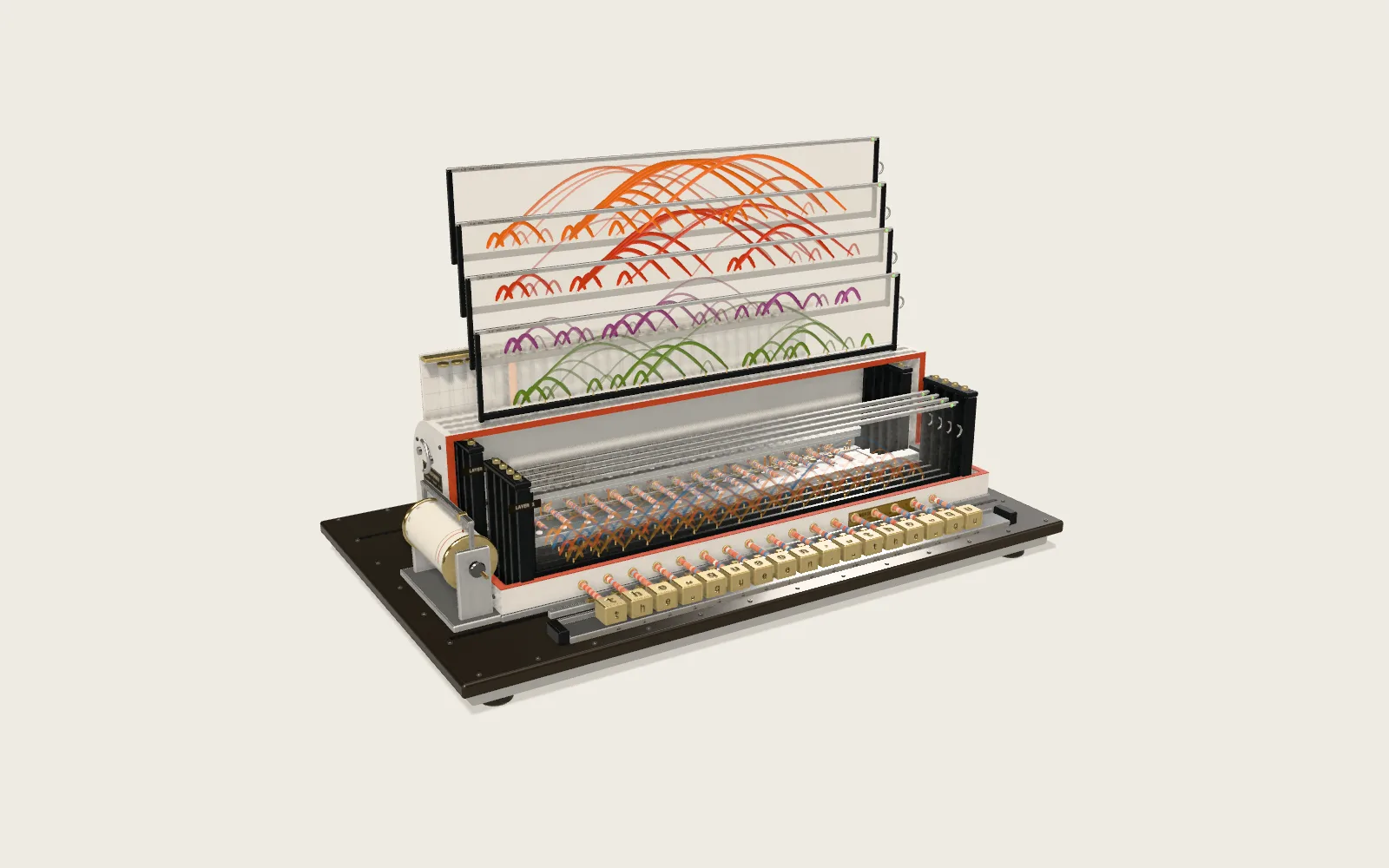 Plate F13Attention in TransformersA two-layer, eight-head Transformer reads a sentence in your browser, one character at a time, and guesses the next. Each thread is one act of attention; its brightness is the weight.